
Lenovo LOQ 15IRX10 Type 83JE BIOS Update Guide IGoods Jaipur

Lenovo LOQ 15IRX10 (Type 83JE) BIOS Update Guide | IGoods Jaipur
Updating the BIOS/UEFI firmware on your Lenovo LOQ 15IRX10 (Type 83JE) gaming laptop is essential for maintaining optimal power management, CPU stability, and system performance. Firmware releases address critical low-level hardware communication, microcode optimizations, and thermal management tweaks for high-performance processors.

If you are experiencing unexpected system crashes, thermal throttling, or hotkey glitches, flashing the latest official Lenovo BIOS package (such as build R3CN44WW or newer) resolves underlying motherboard bugs and enhances Windows 11 compatibility.

Technical Overview: Lenovo LOQ 15IRX10 – Type 83JE

The Lenovo LOQ 15IRX10 platform integrates high-powered hardware components that rely heavily on firmware updates for voltage regulation and stability.

Key Specifications & Architecture

  • Processor Architecture: Intel Core i5-13450HX with hybrid performance and efficiency cores.

  • Dedicated Graphics: NVIDIA GeForce RTX 50-Series (RTX 5050 / RTX 5060 GDDR7) with advanced AI TOPS support.

  • Memory & Storage: Up to 32GB DDR5-4800 SODIMM with dual M.2 2280 PCIe 4.0 NVMe expansion slots.

  • System Controller: Integrated Embedded Controller (EC) and Firmware TPM 2.0 security.

Why You Must Update Your LOQ 15IRX10 BIOS

1. System Stability & Microcode Patching

BIOS updates fix anti-rollback routines and processor string mappings, ensuring smooth multi-threaded workloads without sudden BSODs or freezing during high gaming loads.

2. Embedded Controller & Thermal Enhancements

Updates optimize fan curve responses, internal voltage curves, and power delivery to prevent overheating across the CPU and GPU VRMs.

3. Keyboard & Function Key Fixes

If your hotkeys stop responding after standard Windows updates, entering the BIOS Setup and enabling Hotkey Mode under the Configuration sub-menu restores full Function (Fn) key functionality.

Step-by-Step BIOS Flashing Procedure for Type 83JE

1.Pre-Flash System Preparation:Connect AC power adapter before proceeding.

Ensure your laptop is plugged into a continuous power source with at least 30% battery charge remaining. Close all running background applications and temporarily disable active antivirus software.

2.Download Official Firmware Package:Official Lenovo Support executable.

Download the latest executable file (e.g., R3CN44WW.exe) matching your exact Type 83JE machine type directly from Lenovo’s driver portal or Lenovo Vantage software.

3.Execute BIOS Flash Installer:Do not turn off or interrupt power.

Run the downloaded .exe file as Administrator. Click Install and select Flash BIOS. Press Enter to start flashing. The system will restart automatically during the process.

4.Post-Flash Hotkey Configuration:Press F2 at startup if Fn keys need reset.

If function hotkeys do not respond after reboot, power on and press F2 to enter BIOS Setup. Navigate to Configuration > Hotkey Mode, set it to Enabled, press F10 to save, and restart.

Professional Assistance at IGoods Jaipur

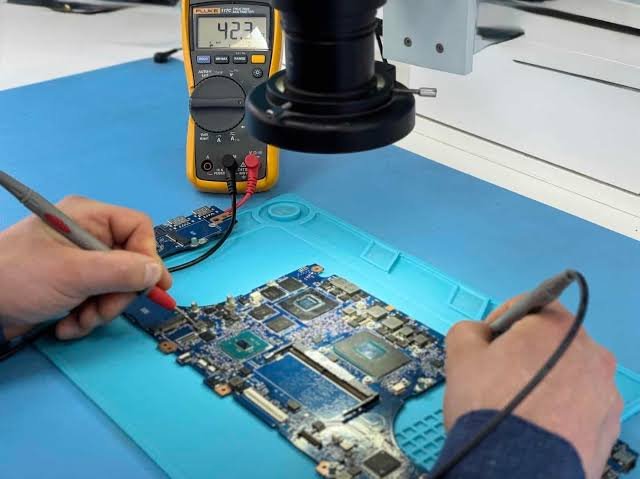
Flashing motherboard firmware manually carries risks—power loss or incorrect file selection can cause motherboard bricking. If your Lenovo LOQ fails to boot, stuck on a blank screen during a BIOS update, or requires chip-level recovery, professional help is recommended.

For quick assistance in Jaipur, keep the Lenovo laptop repair center in jaipur contact number saved to speak directly with qualified chip-level technicians at IGoods / ShivShakti Service Center. We handle BIOS reprogramming, EEPROM recovery, thermal repasting, and hardware diagnostic checks under safe ESD conditions.

Frequently Asked Questions - Lenovo LOQ Service & BIOS Updates

1. Why are my hotkeys (Fn keys) not working after updating the BIOS on my Lenovo LOQ 15IRX10?

This occurs when default configuration settings reset during the firmware update. Restart your laptop, press F2 to enter the BIOS Setup, navigate to Configuration > Hotkey Mode, toggle it to Enabled, and press F10 to save and exit.

2. What should I do if my Lenovo LOQ shows a black screen during or after a BIOS update?

Do not interrupt power. Wait up to 15 minutes as the system may reboot multiple times to flash Embedded Controller (EC) updates. If the screen remains blank permanently, your motherboard EEPROM chip may require hardware-level BIOS recovery or reprogramming at our Jaipur service center.

3. Is thermal repasting recommended along with a BIOS update for Lenovo LOQ gaming laptops?

Yes. While a BIOS update optimizes internal fan profiles and CPU voltage curves, high-grade thermal paste application physically prevents thermal throttling and keeps Intel Core i5/i7 HX processors running under safe operating temperatures during gaming.

4. How long does chip-level BIOS recovery or motherboard repair take at IGoods Jaipur?

Standard BIOS flashing and software updates are completed within 1 to 2 hours. Complex chip-level EEPROM flashing or short-circuit repairs on motherboard circuits typically take 24 to 48 hours following preliminary diagnostics.

5. How can I get quick technical support or book a service appointment in Jaipur?

You can visit our center in Malviya Nagar near the Jaipur Stock Exchange street location or dial the official Lenovo laptop repair center in jaipur contact number for quick door-step diagnostic consultation or on-site support.

Happy Customer Reviews - IGoods Jaipur

(Malviya Nagar, Jaipur)
5/5 Stars ★★★★★

My Lenovo LOQ 15IRX10 got stuck on a blank black screen after a failed Windows BIOS update. I google for "Lenovo Bios Upgrade Jaipur" and got the result. The technicians at IGoods fixed the corrupted chip using EEPROM programming in just 3 hours. Excellent and quick repair service in Jaipur!

(Vaishali Nagar, Jaipur)
5/5 Stars ★★★★★

I was facing high CPU temperatures and keyboard hotkey issues on my Type 83JE gaming laptop. Got thermal repasting done along with the latest BIOS driver update here. My laptop temperatures dropped by 12°C during heavy gaming!

(Raja Park, Jaipur)
5/5 Stars ★★★★★

Very polite team and transparent pricing. Called them through the Lenovo laptop repair center in jaipur contact number and brought my ThinkPad for battery and cooling fan replacement. Honest guidance without unnecessary charges.

(Mansarovar, Jaipur)
5/5 Stars ★★★★★

Best chip-level Lenovo service station in Jaipur! Repaired motherboard power IC issue on my Lenovo IdeaPad quickly. They test everything thoroughly before handoff. Highly recommended for gaming and office laptops!

(Tonk Road, Jaipur)
5/5 Stars ★★★★★

Great experience getting my Lenovo LOQ SSD expanded and BIOS updated for better Windows 11 performance. Fast turnaround time and very professional support on IGoods.

Lenovo Support

Expert Lenovo LOQ Repair & BIOS Firmware Recovery Services in Jaipur | IGoods

Expert Lenovo LOQ Repair & BIOS Firmware Recovery Services in Jaipur | IGoodsWhen gaming rigs like the Lenovo LOQ experience system hangs, thermal throttling, or unresponsive hotkeys, reliable...
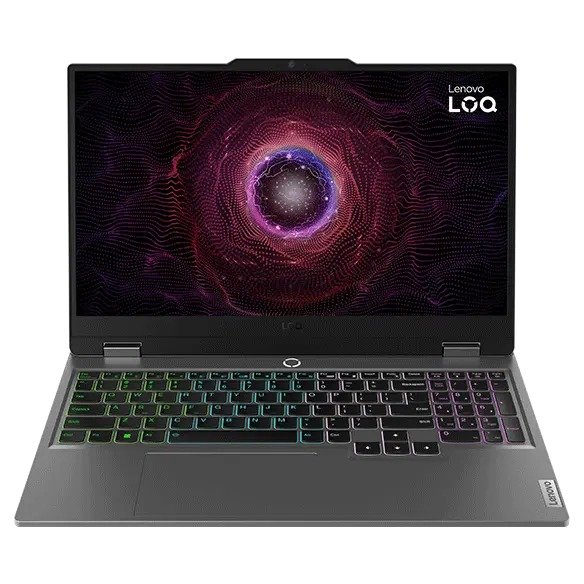
Lenovo LOQ 15IRX10 (Type 83JE) BIOS Update Guide | IGoods Jaipur

Updating the BIOS/UEFI firmware on your Lenovo LOQ 15IRX10 (Type 83JE) gaming laptop is essential for maintaining optimal power management, CPU stability, and system performance. Firmware releases...
Lenovo Laptop Repair Center in Jaipur Contact Number

When your Lenovo laptop needs professional attention, having the Lenovo laptop repair center in Jaipur phone number at your fingertips is invaluable. This phone number connects you directly with...
Lenovo Service Center Near me

Finding a reliable Lenovo's service center near me is crucial for addressing any technical issues with your Lenovo laptop promptly. A conveniently located service center means that you can easily...

Lenovo Laptop Service Center

The Lenovo Laptops Service Center is your go-to solution for any issues related to your Lenovo laptop. Known for its expertise and high-quality service, the center handles a wide range of problems...
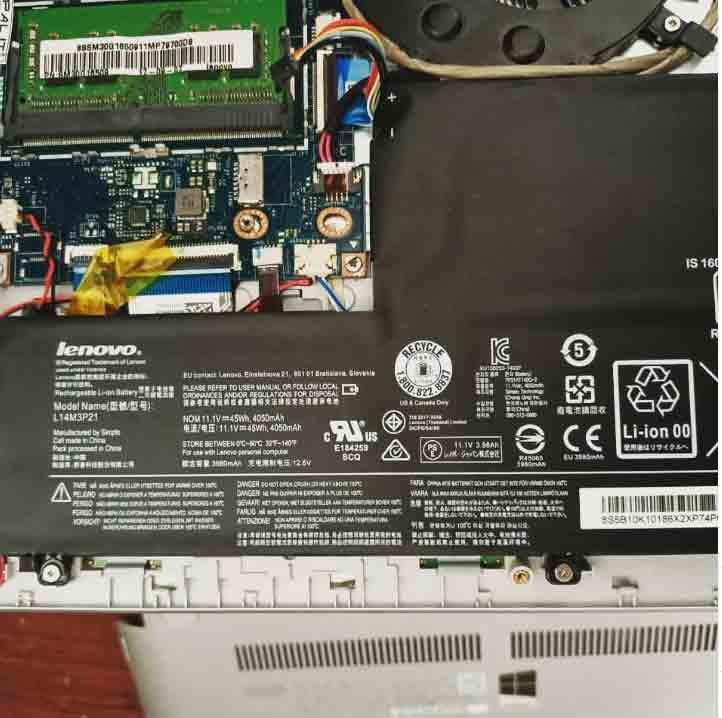
Lenovo Service Center Jaipur Vaishali Nagar

For residents of Vaishali Nagar, the Lenovo service center Jaipur Vaishali Nagar is a top destination for resolving all your Lenovo laptop issues. This service center is renowned for its efficient and...

Lenovo Customer Care Number

The Lenovo customer care Contact number is an essential resource for Lenovo laptop users facing technical issues or needing support. Accessible and responsive, the Lenovo customer care monile number...
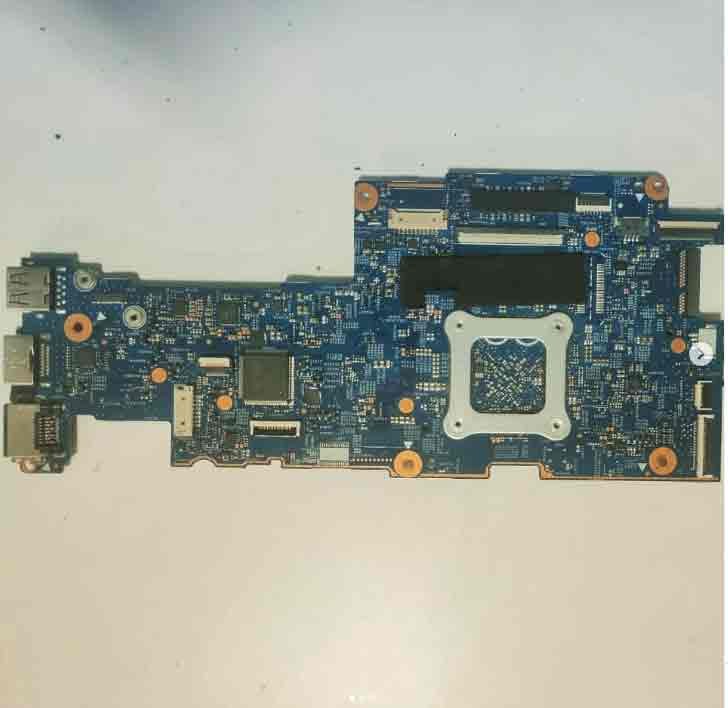
Lenovo Service Center Jaipur Near Me

Finding a reliable and efficient Lenovo service center in Jaipur near me is crucial for maintaining your laptop's performance and longevity. The convenience of having a Lenovo service center nearby...
Lenovo Service Center Jaipur Phone Number

When your Lenovo laptop faces technical issues, the Lenovo service center in Jaipur phone number is your gateway to professional and efficient repair services. The dedicated support team at the Lenovo...
Main Menu